Samsung Galaxy A3 2016 Back Cover Replacement
Introduction
Use this guide to replace the back cover of your Galaxy A3 (2016)
Step 1 Back cover
- Start by switching off your phone.
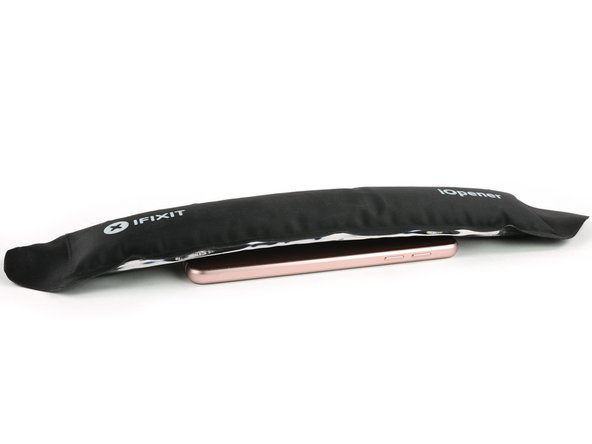
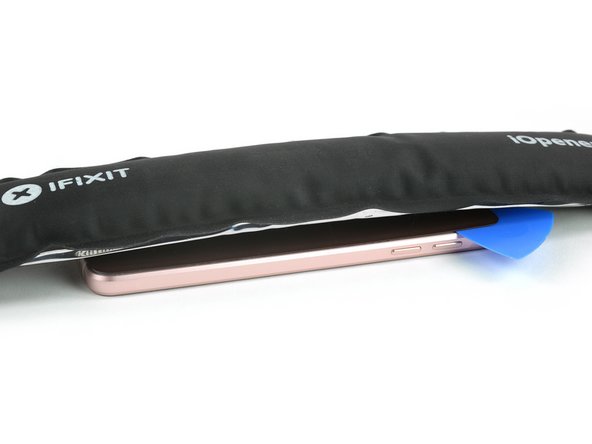
- Take an iOpener to heat up and soften the glue behind the back cover.
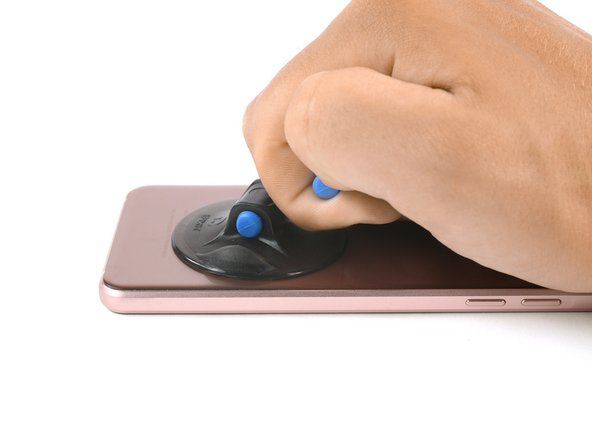
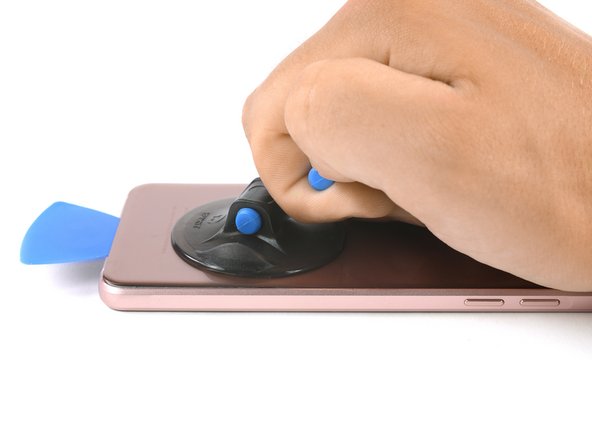
- Lift the bottom part of your back cover with a suction handle and insert an opening pick.
Step 2
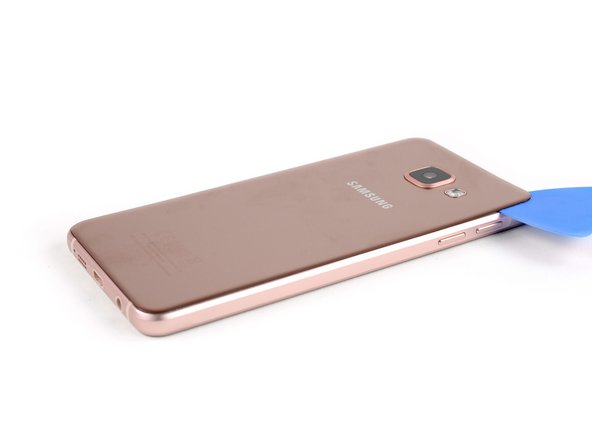
Slide the opening pick up to the rear camera to separate the back cover from the frame.

Step 3
Insert a second opening pick and move around the other corner at the bottom part of the back cover.
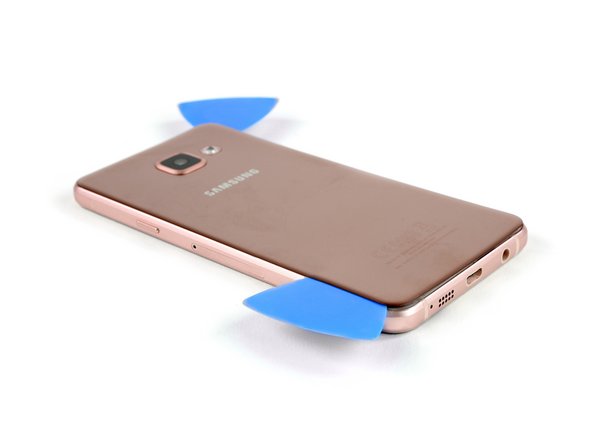
Step 4
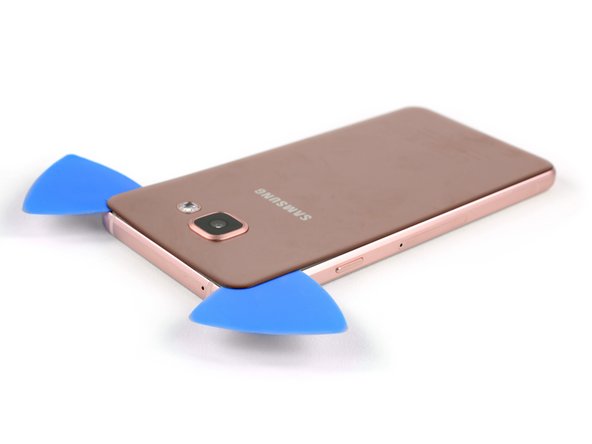
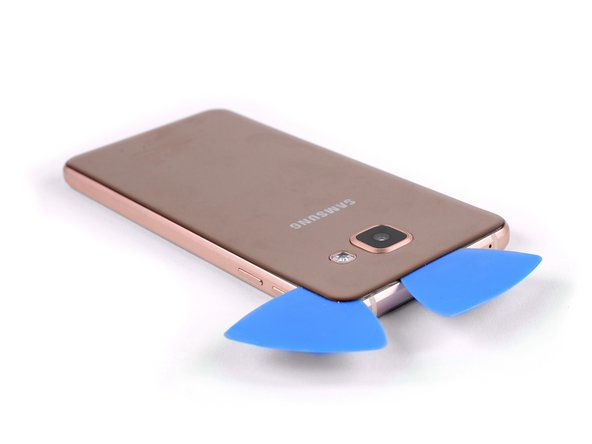
- Move the second pick along the left side of the back cover to loosen the adhesive.
- Move around the upper left corner and loosen the adhesive above the rear camera.
- After loosening all the edges and sides of the back cover use an iOpener to loosen the adhesive underneath the center of it.
Step 5
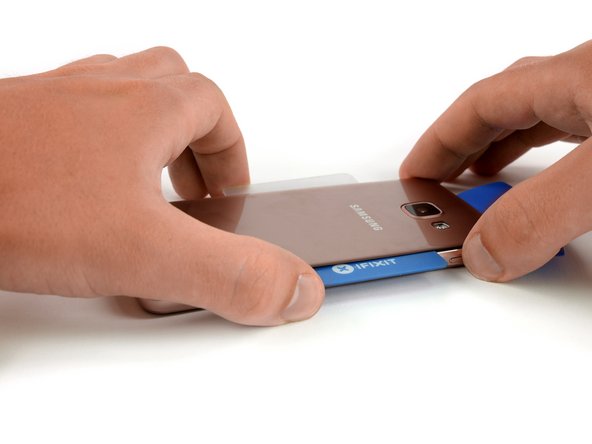
- Insert a plastic card at the bottom and slide it underneath the back cover.
- Separate the glue until you reach the rear camera.
- Now you can slowly lift up the back cover and finally remove it.


Commentaires
Enregistrer un commentaire